July 21, 2026 · 1 min read
How to Book an Online Doctor Consultation in Pakistan
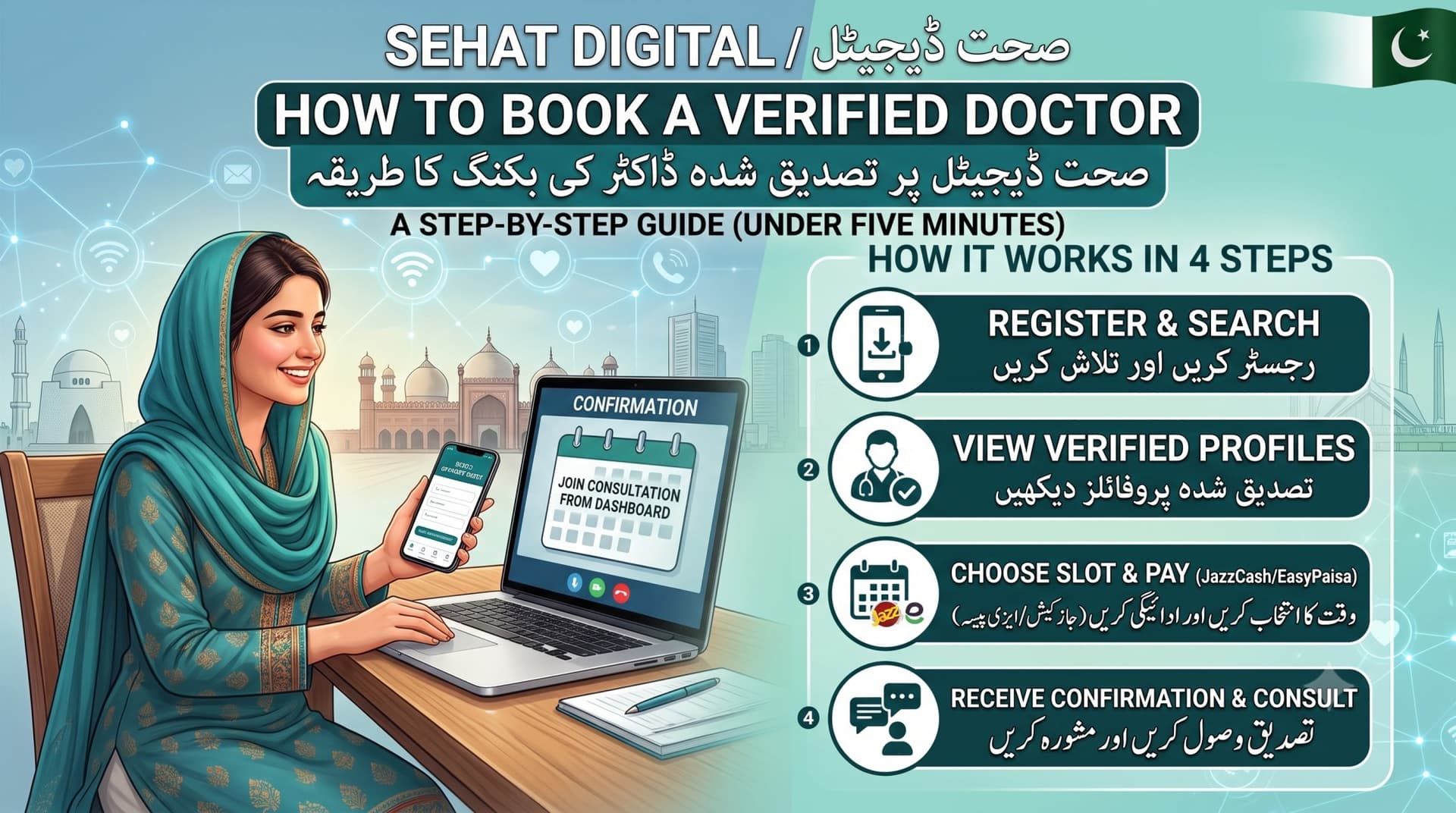
Booking a doctor used to mean a phone call, a long wait, and an afternoon off work. Online consultations have changed that, but if you have never booked one before, the process can feel unfamiliar. Here is exactly how it works on Sehat Digital.
Start by browsing the Find a Doctor page. You can filter by specialty, such as General Physician, Dermatologist, or Pediatrician, and you can also filter by consultation type, whether you prefer chat, video, or an in-clinic visit. Every doctor listed has been verified using their PMDC license number before they are allowed to see patients.
Once you find a doctor you like, open their profile to see their experience, qualifications, and the price for each consultation mode they offer. Pick the mode that suits you and choose an available time slot. Slots are shown in thirty minute blocks based on the doctor own schedule, so you will only ever see times they are actually free.
After reserving your slot, you will be shown payment instructions. Currently, payment is handled through JazzCash or EasyPaisa. You send the fee and upload a screenshot as proof, and the Sehat Digital team confirms it, usually within a few hours. Once confirmed, you will get a confirmation and can join your consultation directly from your account dashboard at the scheduled time.
That is it. No paperwork, no waiting room, and no guessing what the visit will cost, since every price is shown upfront before you book.